Household Reset Routines · THE GUIDE
Tech Charging Dock Wipe-Down and Cord Disentanglement
Multi-device charging stations consolidate phones, tablets, and wearable accessories into a single dedicated hub, but cords and docking slots readily collect household dust and lint. Over time, frequent cable handling can lead to tangled lines, strain on delicate connector heads, and cluttered furniture surfaces. Establishing a regular unplugging, cleaning, and cord-sorting routine preserves your electronics, keeps connectors in good working order, and maintains a clean display area. By following manufacturer handling guidelines and allowing adequate ventilation around power supplies, you keep your tabletop organized without introducing moisture or stress to your devices.
Jump to the checklist ↓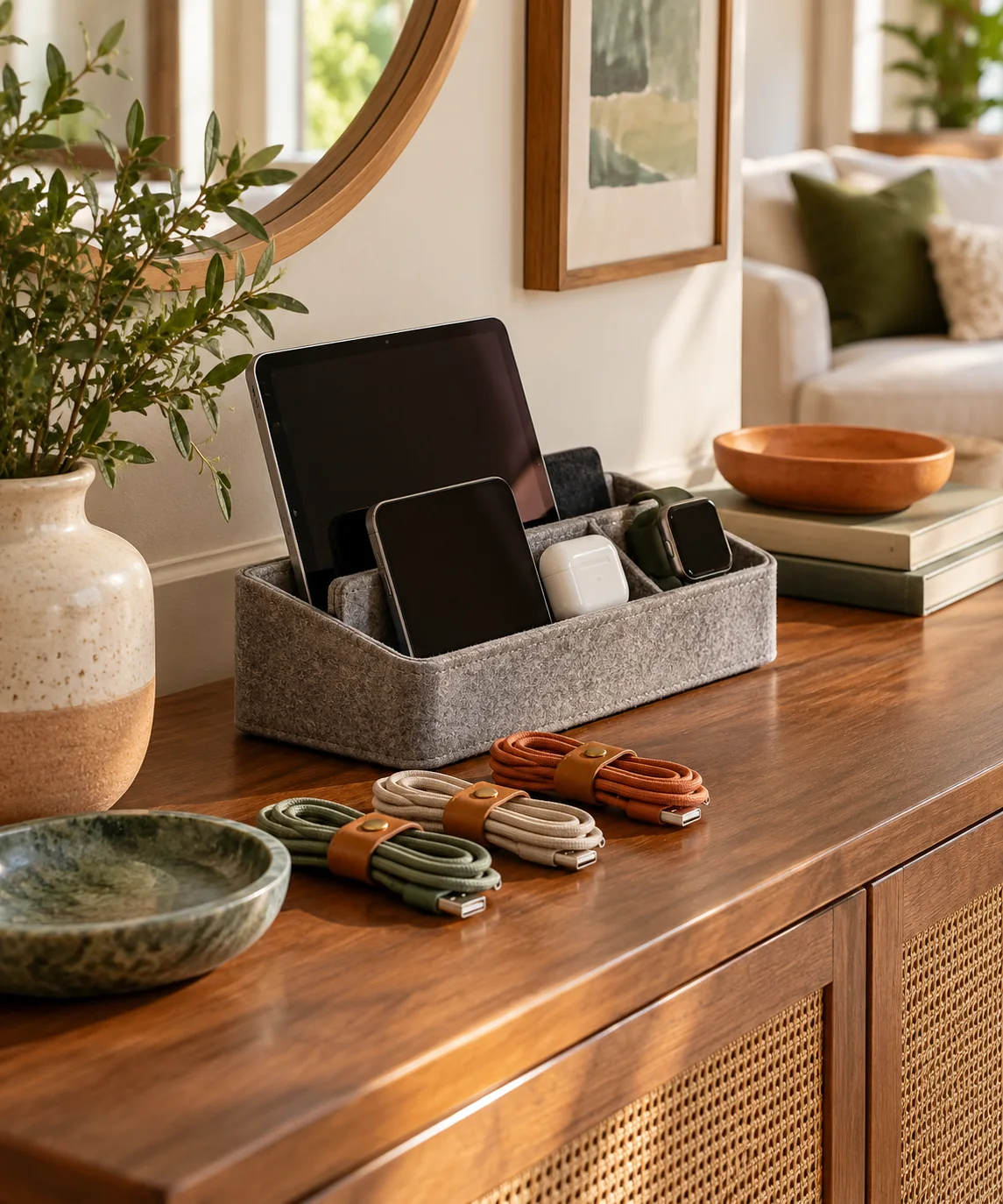
Powering Down and Disconnecting Hardware
Before beginning any cleaning or reorganization, unplug the main power adapter or charging hub from the wall outlet to eliminate live current. Carefully disconnect all phones, tablets, headphones, and individual charging cables from the dock. Place hardware on a clear, stable table surface where every cord can be evaluated independently. Inspect each cable along its full length under good lighting, checking for crushed insulation, exposed wiring, kinked connectors, or bent prongs. Dispose of and replace any damaged charging leads according to local electronic waste guidelines.
Dry Cleaning Dock Channels and Connector Ports
Charging docks typically feature grooved rests, felt-lined dividers, or silicone inserts that trap airborne lint, crumbs, and surface dust. Use a dry, lint-free microfiber cloth to wipe down outer housings and resting dividers. For narrow crevices or docking slots, guide a dry, soft-bristled brush gently along the seams to dislodge settled debris. Never spray liquid cleaners, solvents, or aerosol dusters directly into open charging ports or dock connectors, as trapped moisture can promote corrosion and damage internal electronics.
Clearing the Console Surface and Unwinding Cables
With all equipment removed, clear dust from the furniture surface where the dock sits. Wipe the tabletop with an appropriate cleaner suited to the furniture material, taking care to dry the surface completely before setting electronics back down. Lay each detached cable out along the surface to allow any twists or spiraled kinks in the protective jacket to relax naturally. Separate cables by length and device type, keeping frequently used leads distinct from accessories that remain plugged in continuously.
Managing Cable Slack with Reusable Fasteners
Excess cord length tends to bunch behind furniture, creating visual clutter and catching on adjacent items when devices are moved. Gather extra slack into loose, gentle loops rather than wrapping cords tightly around power bricks, which can strain internal conductors near the strain-relief collars. Secure each loose loop using adjustable hook-and-loop straps or silicone bands. Leave enough comfortable slack on the connector end so devices can be docked and undocked smoothly without pulling against the dock or bending the connector at an extreme angle.
Reconnecting and Checking Airflow Around Power Hubs
Plug the sorted charging cables back into their corresponding dock ports, aligning each lead with its intended charging bay. Position the dock on the furniture surface with adequate space around the unit and wall to allow comfortable cord drape and natural air circulation around multi-port power bricks, following the manufacturer's ventilation instructions. Reconnect the primary power plug to the wall receptacle, dock your devices, and verify that charging indicators illuminate properly without awkward tension on any port.
YOUR STARTING POINT
A little checklist.
Original editorial guidance. Images are AI-generated concepts, not photographs of completed projects. Our sources and approach.
Questions to consider
How often should a multi-device charging station be cleaned and sorted?
Conducting a quick reset every several weeks helps prevent accumulated lint from packing into device resting grooves and keeps cords from developing stubborn tangles. Periodic checks also allow you to spot frayed insulation or bent pins before they cause charging failures.
Can cleaning sprays or rubbing alcohol be used on charging dock rests?
Avoid spraying liquid cleaners or applying excess moisture to charging stations, especially near electrical contact points or fabric dividers. If a surface requires spot cleaning, lightly mist a microfiber cloth with water or manufacturer-approved solution, wipe the exterior plastic lightly, and ensure everything is thoroughly dry before reconnecting power.
What is the safest way to prevent charging cords from slipping behind furniture?
Use weighted desktop cord organizers, adhesive-free cable guides, or the dock's integrated routing channels to hold connectors resting on the tabletop. Ensuring cables have sufficient slack prevents tension that pulls disconnected ends off the edge of the furniture.